Screen 4/8
 4 Easy Ways to Show Hidden Files and Folders on a Mac |
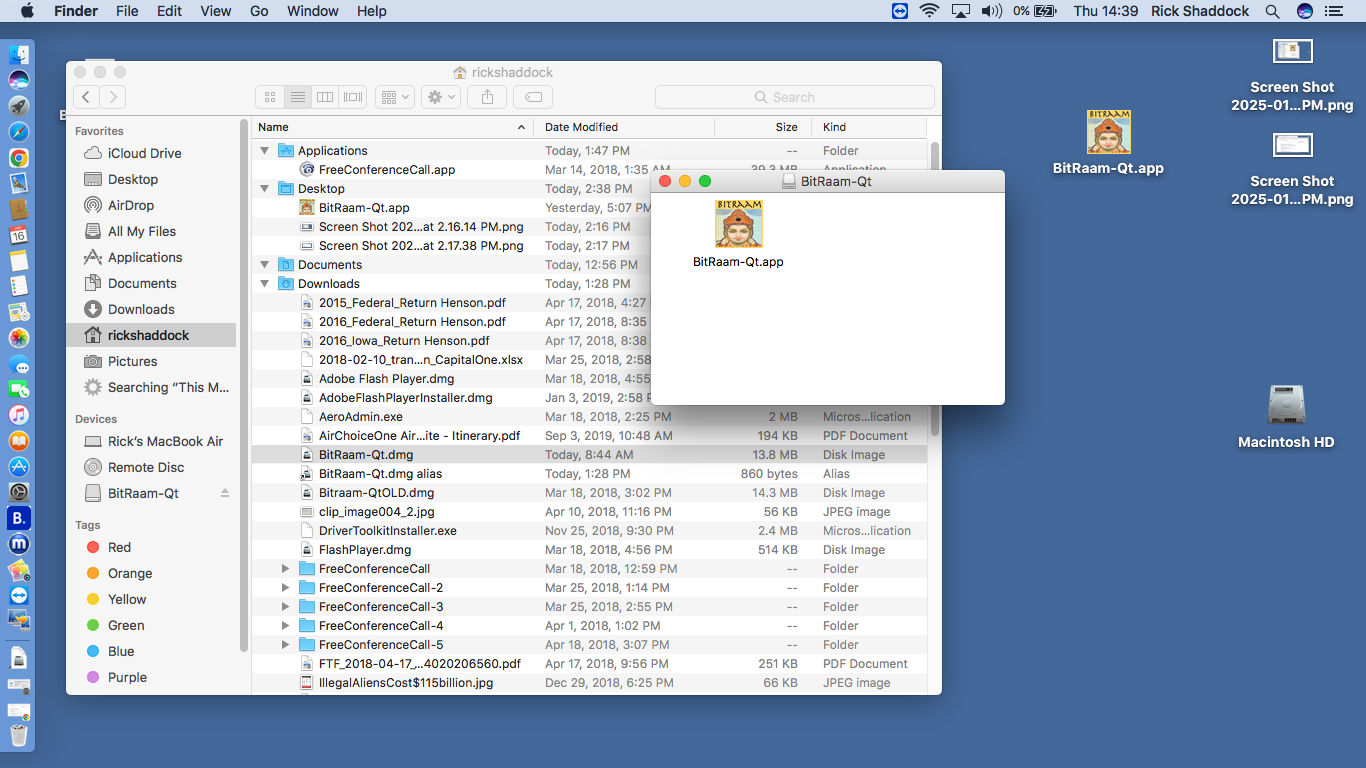 macscreen19.png |
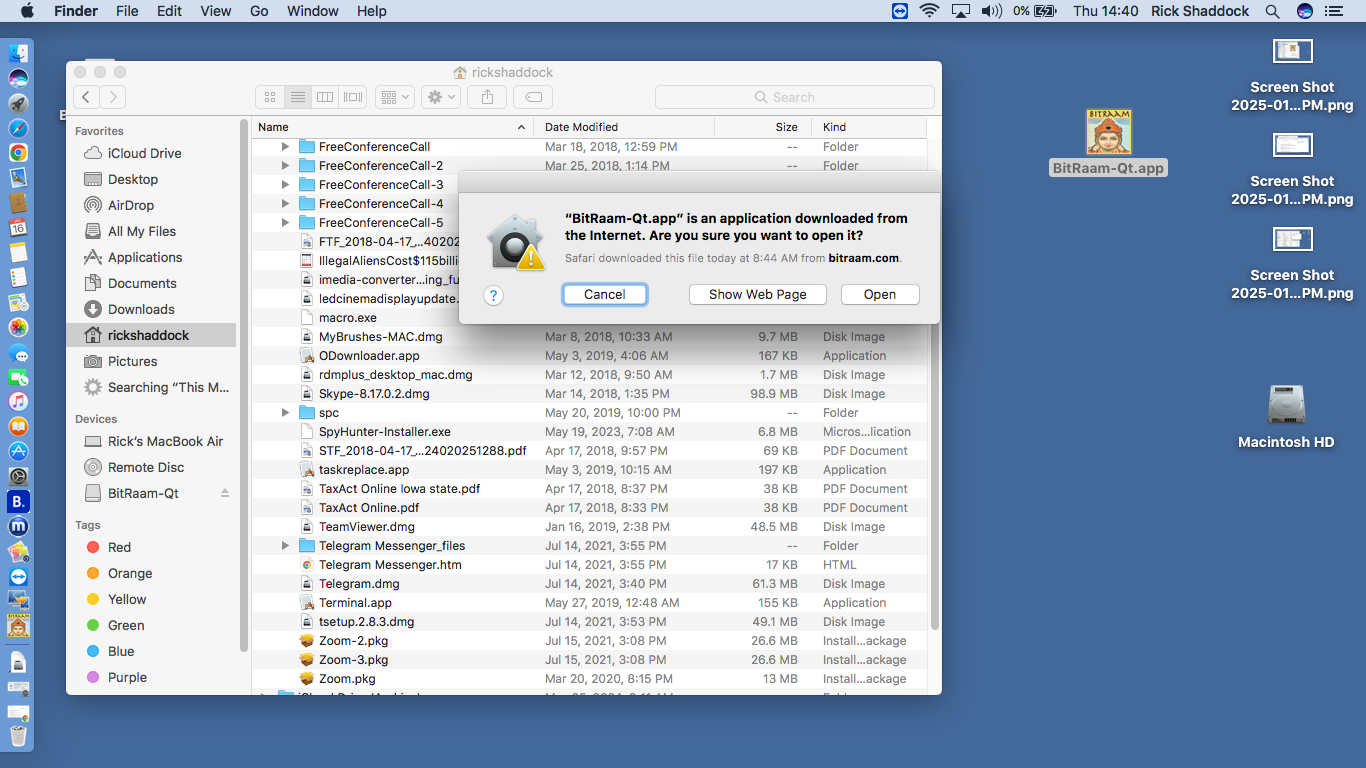 macscreen20.png |
|
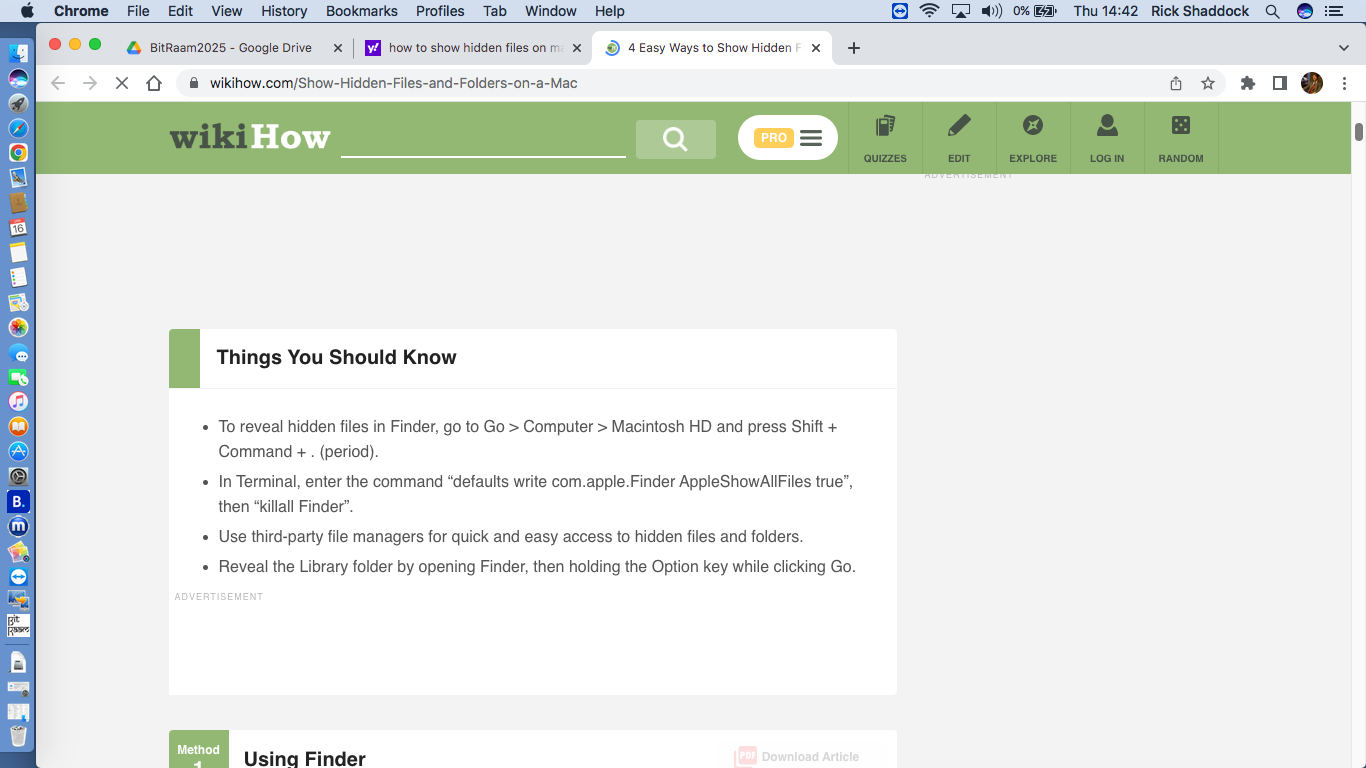 * Finder, Go > Computer > Macintosh HD and press Shift +Command +. (period) * Terminal, enter command "defaults write com.apple.Finder AppleShowAllFiles true" * third-party file managers may have an option for this * Open Finder then Option + God to reveal Library folder |